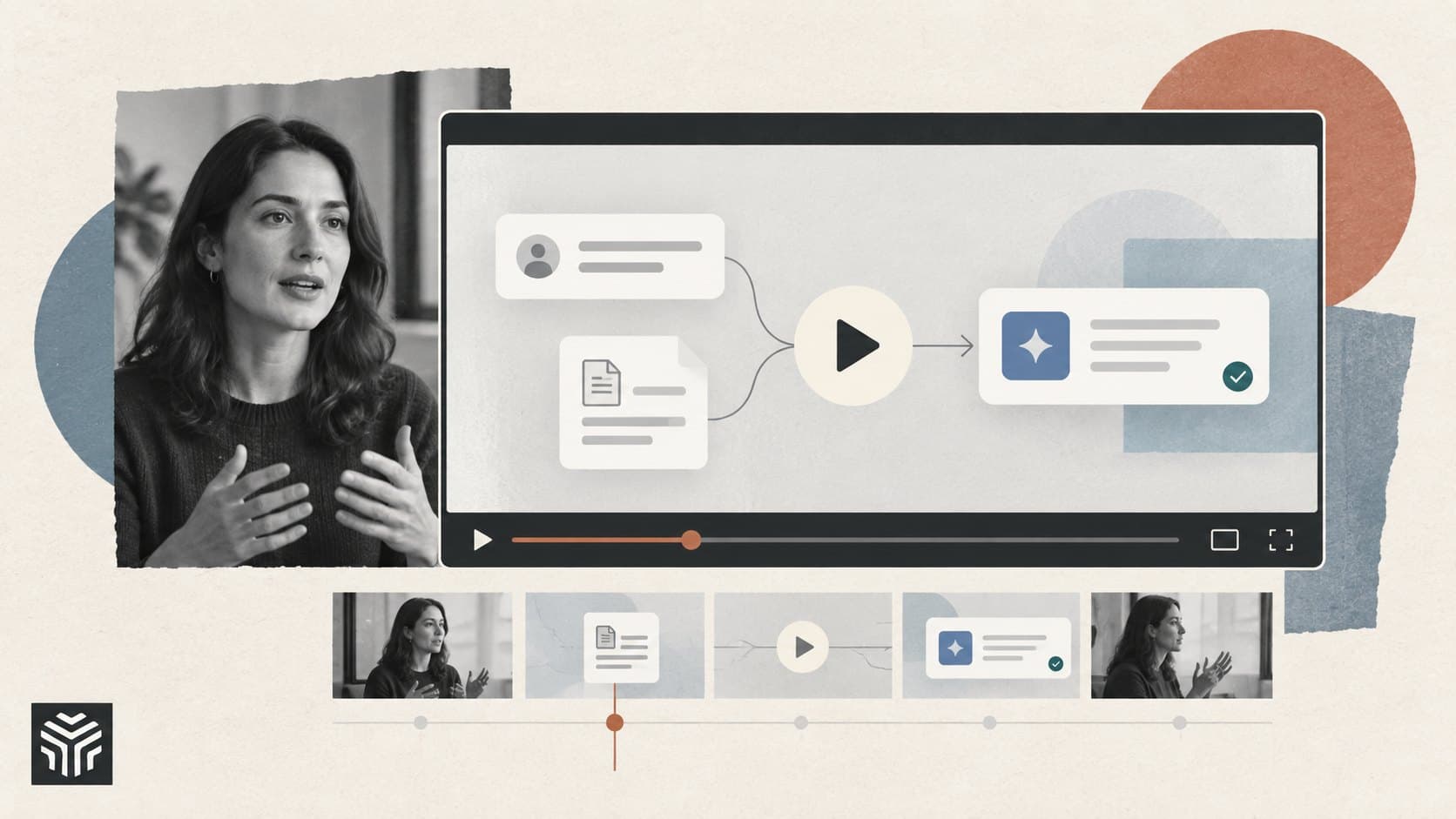
How to Make an AI Product Launch Video People Understand.
The video looks expensive. The music builds, the interface slides into view, and a voice promises to change the way people work. A minute later, you still aren’t sure what the product does.
That’s an easy mistake to make with AI software. A founder sees everything behind the demo: the models, integrations, and months spent making a difficult task look simple. Someone seeing it for the first time needs a much smaller explanation. What can I give this product, what will it do, and what do I get back?
An AI product launch video should make those answers visible. You can use generated footage, an AI editor, a production studio, or a straightforward screen recording. The first decision is what you’re going to show.
Pick a customer’s problem before writing the script
Imagine you’re launching an AI assistant for customer support. It can search documentation, summarize conversations, suggest replies, and spot recurring issues. Trying to fit all four into the opening will leave very little room to explain any of them.
Choose one situation your intended customer will recognize. Perhaps an agent is answering a question while searching three different documents for the correct policy. Show that moment, then show how your product changes it.
You now have the beginnings of a story: a question arrives, the software finds the relevant information, and the agent reviews a draft reply. A viewer can follow that sequence without knowing anything about your architecture.
Write down what they should remember after watching. For this imaginary product, it might be: “It finds the policy and drafts the response, with the source attached.” That sentence can guide decisions about what belongs in the video. A beautiful shot of the analytics dashboard may have to wait for another one.
Build your product demo video around one complete task
A launch video doesn’t need a tour of every menu. It does need enough of the process for someone to believe the result.
For the support assistant, that means showing the incoming question, the retrieved policy, the suggested answer, and the review step. Give the viewer a chance to read the important parts. If the source citation is what makes your product useful, don’t flash past it on the way to the next animation.
This matters especially for AI agents. Be clear about what happens automatically and what needs approval. A draft response and a sent response are different outcomes. If your product stops for a human decision, include that moment in the demonstration.
Use sample data that resembles the work your customer does. “Test user asks test question” gives people little to recognize. A realistic fictional request about a damaged delivery is easier to follow, and it avoids exposing an actual customer’s information.
Keep the promise close to the footage
Read each line of narration while looking at the planned shot. Can the shot support what you’re saying?
If the voiceover says the software checks multiple sources, show the sources. If it says the user stays in control, show the approval or correction. Claims about time savings need measured evidence; an accelerated screen recording alone doesn’t establish them.
Label a sequence if you speed it up or omit processing time. If you’re using a prototype, say so. These details help the viewer understand what they would experience in the product today.
How to script a startup launch video
For a first draft, try a video of roughly a minute. Treat that as an editing constraint, not a rule about how long every launch video should be.
Here’s one possible structure for the support assistant example:
Section | What appears on screen | What the narration needs to explain |
|---|---|---|
Opening | A support question beside several open policy documents | Why this task takes attention |
Product introduction | The question entering the assistant | What the software helps with |
Demonstration | A policy result, source link, and draft reply | How the user gets to an answer |
Review | The agent checking and editing the draft | Where human judgment fits |
Close | The finished reply and a clear next step | How to try the same task |
Draft the narration in language you’d use on a customer call. “Find the relevant policy and prepare a reply” is easier to picture than “unlock intelligent support orchestration.” If a sentence sounds odd when you read it aloud, rewrite it before recording.
Leave some room for the screen to do the explaining. Narrating every click can make a short video feel crowded. At other moments, silence gives the viewer time to notice a useful detail.
Read the script at a comfortable pace while moving through the shots. If you have to hurry, cut a thought. Faster delivery rarely fixes an overloaded explanation.
Where AI video tools can help
Once you’ve decided what to demonstrate, AI video creation tools can help with the supporting work: testing an opening visual, editing a founder recording, or adding captions. Start with the part that takes your team the most time.
For example, Adobe Firefly supports generating video from text or images. That can help you explore an opening visual or create a short piece of supporting footage. Keep the actual software demonstration grounded in your product, particularly where interface text and behavior matter.
An AI editor can be useful if you’re recording a founder introduction or voiceover. Descript offers transcript-based editing, captions, filler-word removal, and audio enhancement, making it one option for working through recorded material.
You can also use a writing assistant to produce alternative openings from your brief. Give it the customer, the problem, the task being demonstrated, and the claims you can support. Compare the suggestions with how your customers actually speak. Replace phrases you’d never say yourself.
The time-saving test is simple: how much work remains after the tool has finished? An automatically generated clip still needs review, and a transcript edit may need another pass to restore the speaker’s natural rhythm. Include that effort when deciding what to use again.
Should you handle launch video production in-house?
You may already have enough to make a useful launch video in-house: a working product, someone who can explain it, and an editor who can keep the sequence clear.
That’s a reasonable approach when the launch is small, the interface is changing quickly, or the team is still working out which message customers respond to. A simple version is easier to revise after the first round of feedback.
AI startup video production gets more demanding when you need to combine a founder interview, detailed interface animation, and several versions for launch day. A studio can take responsibility for the script, shoot, and edit while your team checks that the product is represented accurately. That help is worth considering when nobody internally has time to manage the production.
Flowjam provides launch video production for AI startups; the company says its founder has worked with 25+ Y Combinator companies. Its work includes animated product videos and founder-led films, two formats worth comparing when deciding how to present an AI product.
When speaking with a studio, bring a product recording and explain what viewers must understand. Ask how the team would handle the difficult part of your demo, whether that’s a complex interface or a task whose result takes time to appear. Discuss revisions, editable files, and shorter versions before production begins. Those details will affect how useful the video remains after launch week.
Give the production team a brief they can use
A folder containing your logo and a link to your homepage leaves too many decisions open. The brief should tell the editor or studio what they’re trying to communicate.
Include these six things:
The viewer: The specific person you want to reach, such as the manager of a small support team.
The task: The one customer problem the video will demonstrate.
The product material: A working recording, approved screens, and realistic sample data.
The evidence: Sources for any performance claims or customer results you want to mention.
The next step: What viewers should do after watching and where they will land.
The delivery details: Launch date, formats, approver, and any product changes still expected.
Be specific about unfinished features. If a screen may change before launch, identify it early so it can be replaced without rebuilding several scenes.
Also choose one person to consolidate feedback. An editor receiving conflicting comments from three founders needs a decision before they can make a useful revision. “Use version two’s opening, remove the dashboard scene, and keep the longer review shot” gives them something they can act on.
Plan the shorter versions before the main edit is finished
A SaaS launch video may appear on your homepage, in a social post, and in a sales email. Each viewer arrives with different questions. Someone scrolling past your announcement needs a quick reason to care; a prospect following up with sales may want a closer look at how the software works.
On the homepage, surrounding copy can explain who the product is for. In a feed, the opening needs to establish that on its own. A prospect receiving the video from a salesperson may already know the problem and want to see the actual workflow.
Plan a few versions around those situations. A short social cut might focus on the moment the assistant finds the correct policy. The homepage version can include the problem and the full review sequence. A longer demo can show setup and edge cases.
Check every version on a phone. Cropping a desktop interface into a vertical frame can remove the very detail you’re trying to demonstrate. Reframe individual shots, enlarge the relevant area, and adjust captions so they don’t cover it.
Keep a clean export without embedded captions alongside the captioned version and subtitle file. That gives you more flexibility when a platform or a later translation needs a different treatment.
Review for understanding before you polish the last transition
Show a rough cut to someone who fits your target audience and hasn’t been involved in making it. Ask them to explain what the product does and what they would use it for.
Avoid explaining the video first. You want to find out what the footage communicates on its own. If the viewer thinks the assistant sends replies automatically when it only drafts them, the edit needs to make the approval step clearer.
After launch, look beyond the view count. Track whether people visit the product page, start the trial, or request the relevant demo. Use a tagged link where practical, and compare results with the audience and placement in mind. A heavily promoted clip and an organic homepage video are serving different circumstances.
Read the questions people ask too. Repeated confusion about setup, integrations, or human approval tells you what the next video should explain. Sometimes the most useful follow-up is a plain screen recording answering one of those questions.
Before publishing, watch the final export once without sound. Then listen without looking at the screen. The two parts should support each other, and together they should leave the viewer with a clear picture of what happens when they use your product.
Frequently asked questions
How long should an AI product launch video be?
Roughly a minute is a useful starting point for a first draft, but the right length depends on the task and where the video will appear. Give viewers enough time to understand the demonstration. Put setup details or additional use cases in a separate, longer demo if they crowd the launch video.
Can a startup make its launch video with AI tools?
Yes. AI video tools can help with scripts, supporting visuals, editing, captions, and audio cleanup. You’ll still need accurate product material and someone to review the complete video. Test a short version before committing the entire production to one tool.
Should the founder appear in the video?
Include the founder when their explanation or experience helps the audience understand the problem. If the product’s value is clearest on screen, let the demonstration take up most of the time. A brief introduction can be enough.
What should an AI agent demo show?
Show the request, the information or tools the agent uses, the resulting action, and any approval needed along the way. Make it clear which steps the agent completes independently and where the user remains involved.
Keep reading
All-in-One AI Platforms vs Separate Subscriptions: Which Makes Sense?
Real 2026 pricing for direct AI subscriptions vs. multi-model aggregators, plus the hidden cost — shrinking credit allowances — most comparisons skip.

How to Compare AI Tools: A Practical Guide Before You Pay
Choosing an AI tool takes more than reading a feature list. This guide shows you how to test real tasks, compare total costs, and score your options before committing to a subscription.