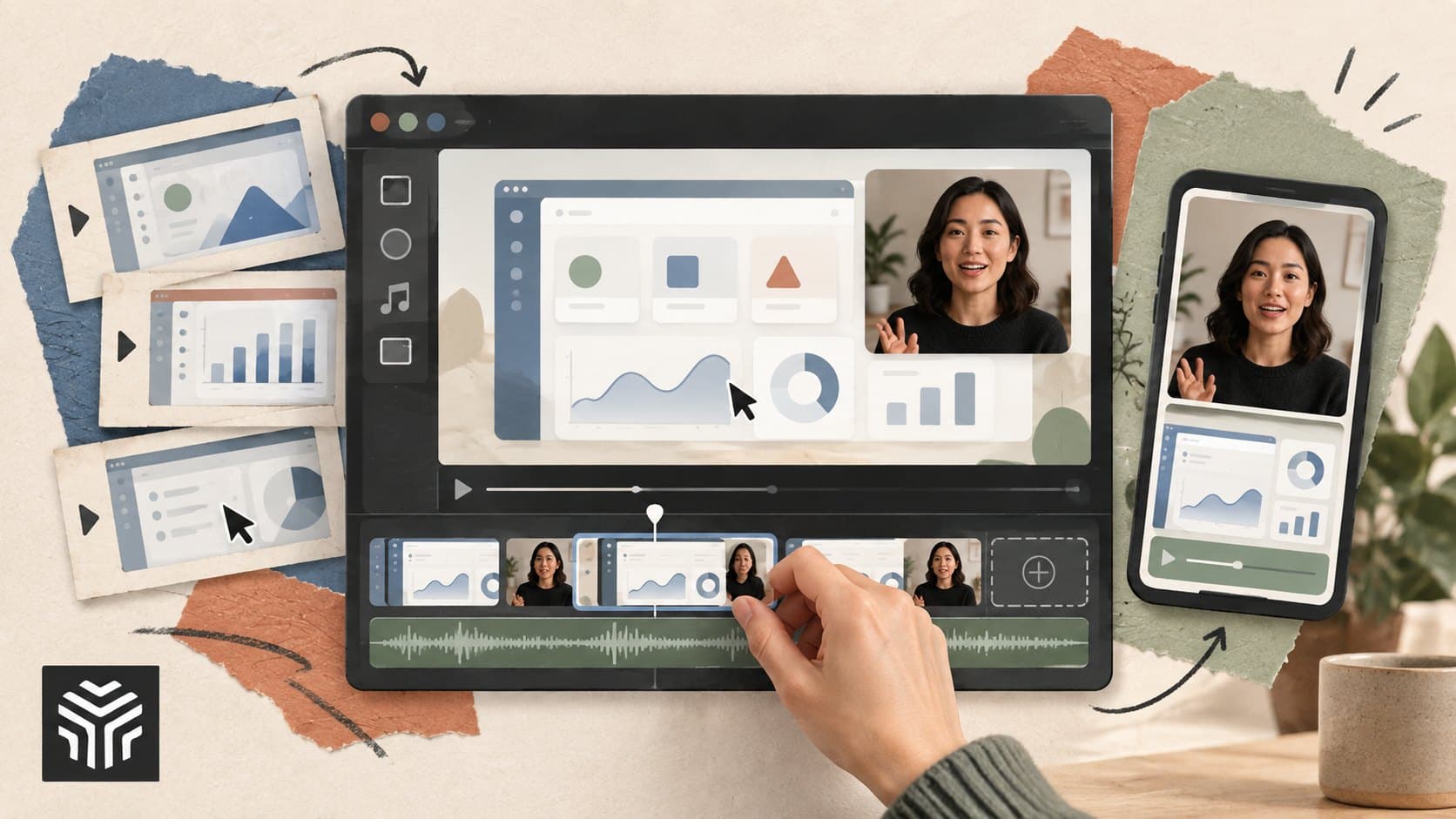
A Practical Guide to Create Professional Videos Online for SaaS and Startup Teams
TL;DR: SaaS and startup teams can create professional videos without building a large production setup. The key is to start with a clear goal, plan the message, capture useful footage, edit for clarity, and create versions for different channels. An online video editor can make this workflow easier by keeping editing in the browser and supporting tasks such as trimming, captions, audio adjustments, and collaboration.
Introduction
Your SaaS team may have a strong product, but explaining it clearly on video can be harder than expected. Product demos, customer stories, launch videos, tutorials, and social clips all need different formats, yet small teams often work with the same limited time and people.
That makes the production process important. A professional-looking video doesn't always require a studio, a large crew, or complicated software. It usually starts with a clear message and a simple workflow that helps the team move from raw footage to a useful final video.
For startup teams, creating videos online can also make the process easier to repeat. Instead of treating every video as a separate production project, teams can build a system for planning, recording, editing, reviewing, and repurposing content.
This guide explains how to create professional videos online, what to look for in an online video editor, and how AI-assisted editing can reduce repetitive work. It also covers practical ways to keep quality high while moving quickly.
What makes a SaaS video look professional?
A professional SaaS video is clear, focused, and easy to follow. It has a defined purpose, a logical structure, readable visuals, clean audio, consistent branding, and editing choices that support the message rather than distract from it.
The first step is deciding what the viewer should understand or do after watching. A product demo might explain one workflow, while a launch video might introduce a new feature and its value.
Avoid trying to explain the entire product in one video. A focused video about one customer problem is often easier to script, record, and edit.
Start with the viewer's problem
Before writing a script, answer three questions:
Who is watching?
What problem are they trying to solve?
What should they understand by the end?
For example, a project management SaaS company could create a short video showing how a team moves from scattered tasks to one shared workflow.
The product should appear as part of that story. Avoid turning the video into a long list of features without showing why those features matter.
How should startups plan a video before editing?
Startups should plan the video's goal, audience, structure, footage, and final formats before opening the editor. A simple outline can prevent unnecessary recording and reduce editing time because the team knows what content it needs before production begins.
A useful structure for many SaaS videos is:
Problem: What is difficult for the viewer?
Context: Why does the problem matter?
Solution: How does the product or process address it?
Proof: What demonstrates the solution?
Next step: What should the viewer do?
This structure works for product explainers, feature videos, onboarding content, and many customer-focused videos.
Planning the final formats early also helps. A single recording may later become a full YouTube video, a short social clip, a sales enablement asset, or a tutorial.
That means the editor should preserve useful footage rather than cutting everything around one output from the start.
Choosing the right online video editor
An online video editor should make the editing process accessible without adding unnecessary complexity. Look for features that support the actual work your team does, such as trimming, captions, audio editing, resizing, collaboration, and easy export.
Browser-based editing can also reduce friction when several people are involved. Instead of moving project files between different systems, team members can work from a shared editing environment when the platform supports collaboration.
For example, the online video editor from Invideo runs in the browser and supports common editing tasks such as cutting clips, adding captions, adjusting audio, changing aspect ratios, and working with a timeline.
The right choice depends on the team's needs. A social media manager may value fast resizing and captions, while a video editor may care more about timeline control, audio mixing, color adjustments, and project flexibility.
A practical workflow for professional videos
Once the planning is complete, use a repeatable workflow. This keeps production organized and makes it easier to improve the process over time.
1. Organize your footage
Keep recordings, screen captures, logos, music, images, and other assets easy to find. Clear file names can save time when a project contains many clips.
2. Build the rough cut
Start by creating the basic story. Remove unusable takes, long pauses, repeated statements, and sections that don't support the main message.
Don't worry about perfect transitions at this stage. The goal is to make sure the story works.
3. Improve pacing
Watch for moments where the video feels too slow. A product explanation may need supporting screen footage, while a talking-head section may benefit from a tighter edit.
The pacing should match the content. Not every video needs rapid cuts.
4. Clean up audio and visuals
Good audio matters because viewers may tolerate a simple visual style more easily than distracting sound. Balance speech and background music, remove obvious noise where possible, and make sure dialogue remains easy to understand.
For visuals, keep colors, fonts, logos, and on-screen text consistent with the brand.
5. Add captions
Captions can make videos easier to follow when sound isn't available or when viewers need help understanding dialogue. Review automated captions before publishing because names, product terms, and technical words can be misread.
6. Review the final message
Watch the finished video as someone unfamiliar with the product. Ask whether the main point is clear without additional explanation.
This review is often more valuable than adding another transition or visual effect.
Where can AI-assisted editing save time?
AI-assisted editing can help with repetitive production work, such as finding footage, removing unwanted sections, creating captions, producing variations, or making changes from natural-language instructions. Human review remains important because the team still decides what the video should communicate.
This is where an invideo editor workflow can be useful. The current Invideo editor combines a browser-based multitrack timeline with AI editing assistance, allowing users to give editing instructions and review the resulting changes on the timeline.
For example, a team working with several interview recordings could ask an AI editing agent to create an initial cut from selected footage. The team can then inspect the sequence and make manual changes.
This approach is different from simply generating a video from one prompt. An AI editing agent can handle connected editing steps, while the editor reviews and directs the work.
Invideo describes its editing agents as systems that can execute multi-step editing tasks on an editable timeline.
Keep humans in control
AI can help reduce mechanical work, but it shouldn't decide the entire creative direction without review.
Someone still needs to decide:
Which customer story matters most?
Which take sounds natural?
Which product detail should be shown?
Where should the video slow down?
Does the final version represent the brand accurately?
A practical workflow is to delegate repetitive tasks, review the result, and then make creative decisions manually.
Turn one video into several useful assets
Creating a professional video doesn't have to end when the main export is finished. SaaS teams can often repurpose the same source material for different audiences and channels.
A product demo, for example, could produce:
A full product walkthrough
A short feature clip
A sales presentation section
A customer onboarding video
A social media clip
A short FAQ answer
A training segment
An online video editor makes this process easier when it supports different aspect ratios, trimming, captions, and versioning.
The important part is to avoid copying the exact same video everywhere. A sales prospect may need more product detail, while a social viewer may need the key idea within seconds.
How can teams review videos more efficiently?
Create a simple review process with clear responsibilities. One person should own the final decision, while other reviewers focus on specific areas such as accuracy, brand consistency, messaging, or technical quality.
A useful review checklist includes:
Is the opening clear?
Does the video solve the intended viewer problem?
Are product claims accurate?
Is the dialogue easy to hear?
Are captions correct?
Are visuals consistent with the brand?
Does every section support the main idea?
Is the call to action clear?
For teams using an invideo editor, collaboration features can support shared review and editing within the same project. The online editor currently supports multiplayer editing and comments tied to moments in the timeline.
This can reduce the need for long chains of exported files and scattered feedback.
Frequently Asked Questions
What is an online video editor?
An online video editor is a video editing tool that works through a web browser instead of requiring traditional desktop editing software. Depending on the platform, it can support tasks such as trimming, combining clips, adding captions, adjusting audio, changing formats, and exporting finished videos.
Can a startup create professional videos without a video team?
Yes. A startup can handle many types of video production with a small team if the workflow is well planned. Clear scripts, good audio, simple lighting, organized footage, and focused editing often matter more than having a large production setup.
What should SaaS teams include in product videos?
SaaS product videos should focus on a specific customer problem and show how the product addresses it. Demonstrating a real workflow is often more useful than listing every feature. Keep the explanation focused and show enough product detail for viewers to understand the benefit.
Is AI editing the same as automatic video generation?
No. AI editing can work with existing footage and perform editing tasks based on instructions. Automatic video generation usually focuses on creating new media from a prompt or brief. Some modern platforms combine both approaches, allowing teams to generate assets and then refine them within an editing timeline.
How can an invideo editor help with repetitive editing?
An invideo editor can combine manual timeline editing with AI-assisted workflows. Users can give editing instructions, review the result, and continue making changes manually. This can be useful for tasks such as creating first cuts, removing unwanted sections, or making revisions to existing footage.
Should every SaaS video use the same format?
No. Different audiences and channels have different needs. A detailed product tutorial may work well in a longer format, while a social clip may need a shorter structure. Teams should adapt the length, aspect ratio, pacing, and message to the intended viewer.
What is the first step when creating a professional video online?
Start by defining the viewer and the video's main goal. Write down the problem you want to address, the key message, and the action you want viewers to take. Once those decisions are clear, choose the footage and editing workflow that support them.
Conclusion
Professional video production for SaaS teams doesn't have to become a complicated production pipeline. The strongest foundation is a clear message, useful footage, clean editing, and a review process that keeps the viewer's needs in focus.
Three practical steps can make the process easier:
Plan the message before recording.
Use an online video editor that fits your team's workflow.
Use AI for repetitive work while keeping creative decisions with people.
An invideo editor can be one option for teams that want browser-based editing combined with AI-assisted workflows and manual timeline control.
If your team is creating videos regularly, start with one repeatable workflow and improve it with each project. What part of your current video production process takes the most time?
Keep reading
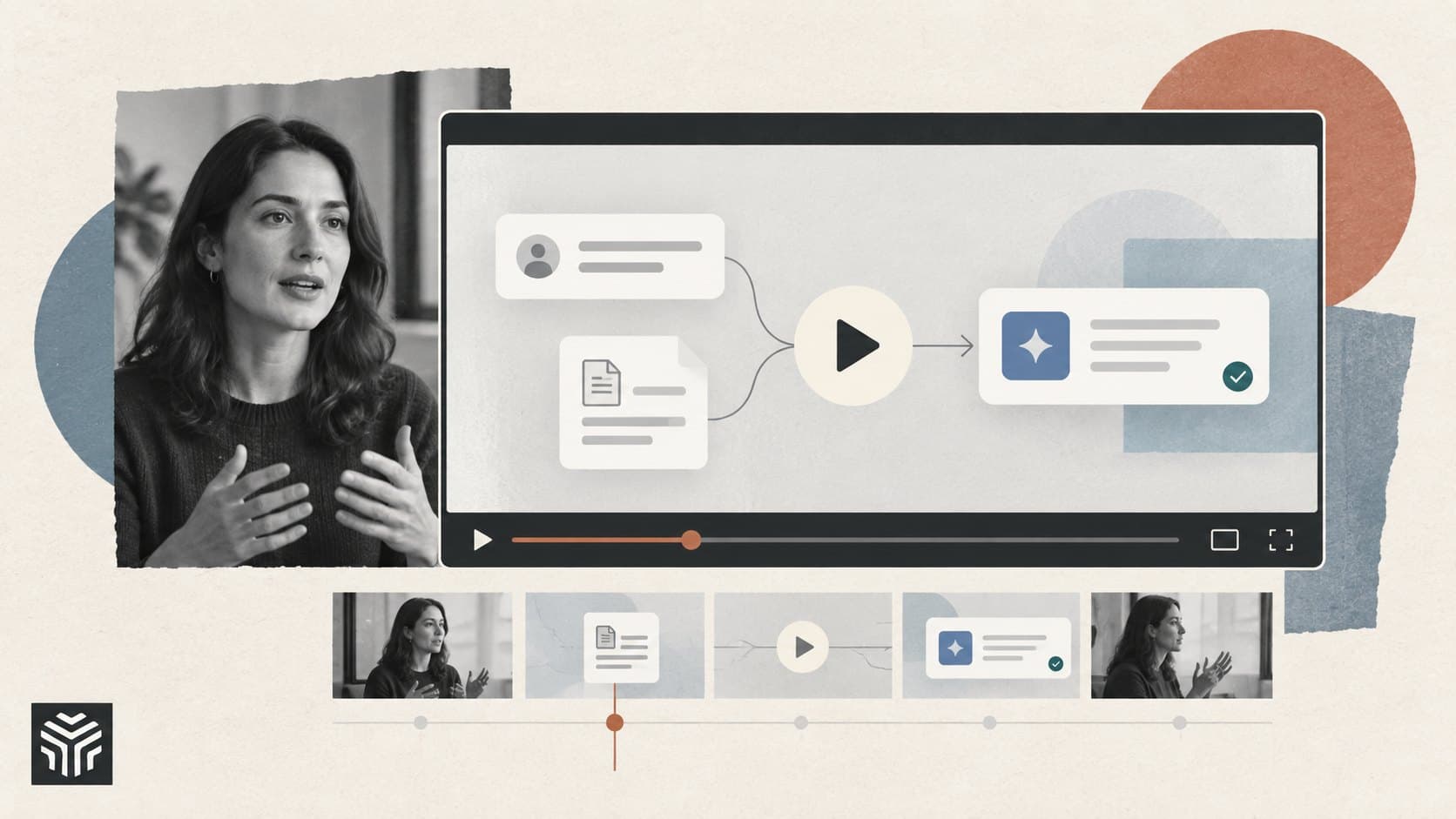
How to Make an AI Product Launch Video People Understand.
A good launch video makes your product easy to understand before asking anyone to try it. Here’s how to choose the story, show the software, and use AI tools without losing the details that matter.
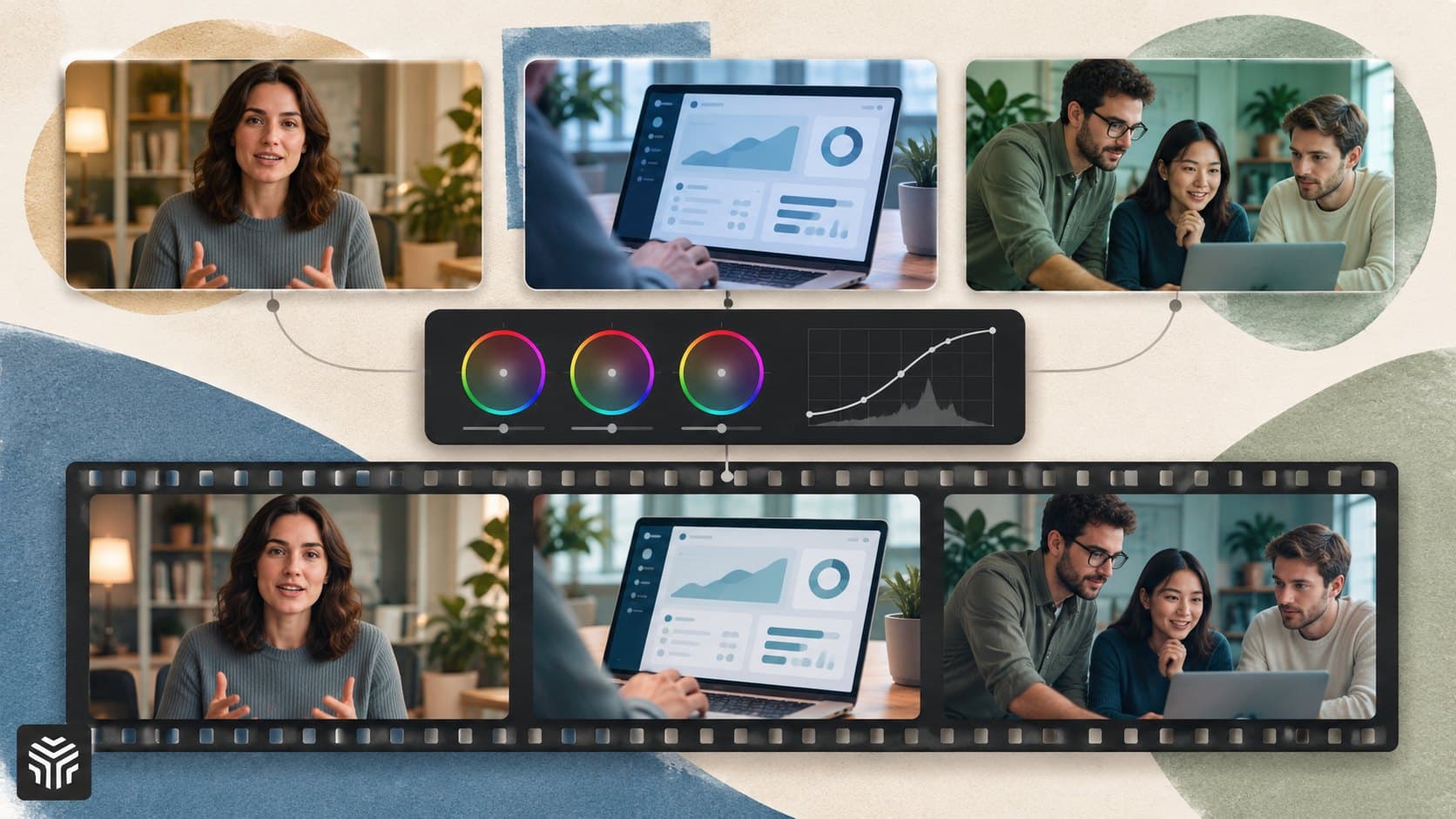
How Color Grading Creates a Consistent Visual Style for SaaS Product Videos
Learn how SaaS teams can use color grading to create a consistent visual style across product demos, tutorials, and launch videos. This guide covers correction, shot matching, brand color accuracy, AI assistance, and repeatable workflows that keep footage visually connected.
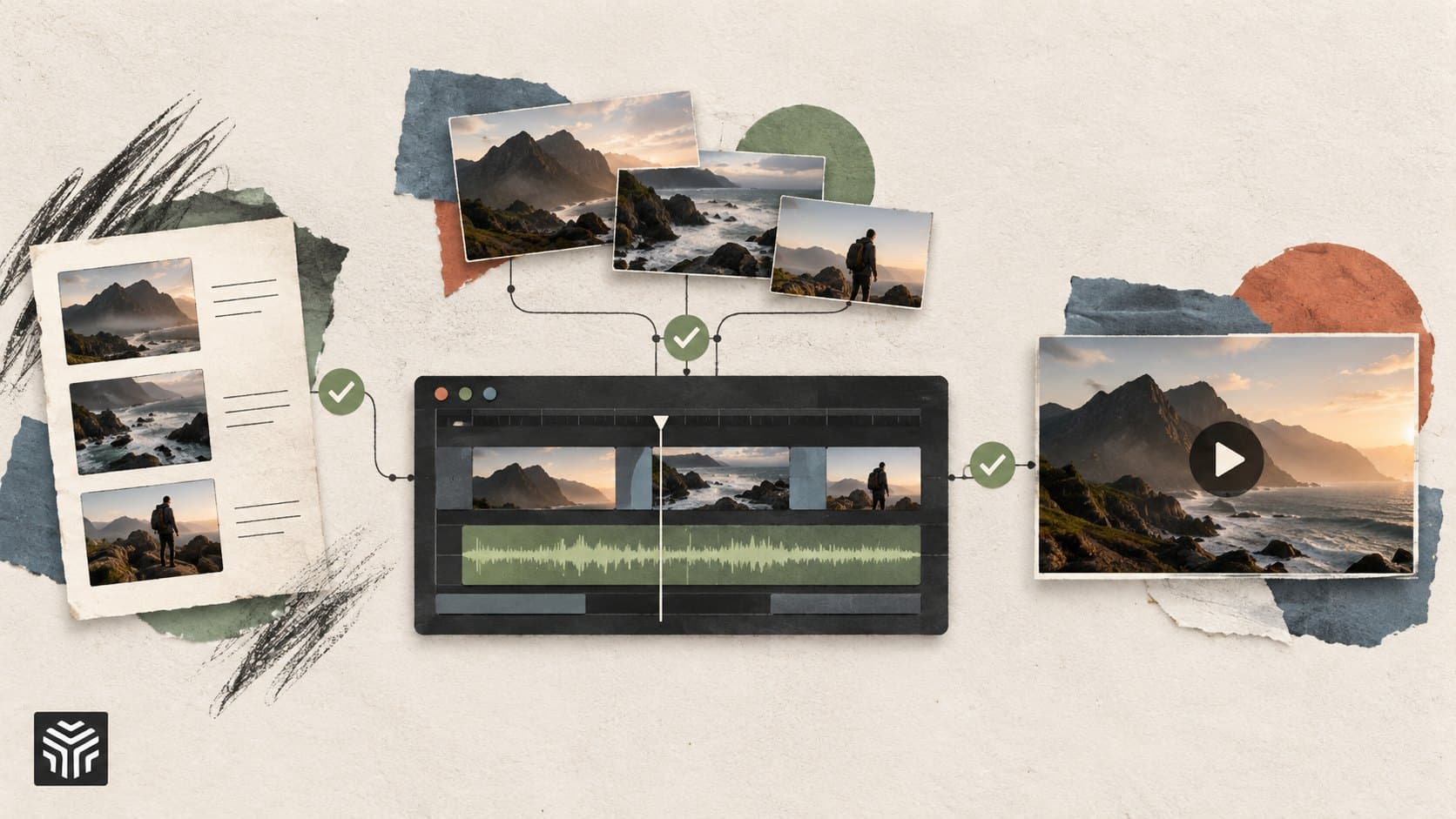
How Agentic AI Can Simplify Multi-Step Video Production Workflows
Agentic AI connects video production tasks such as footage review, take selection, first cuts, B-roll, and revisions into a coordinated workflow. Learn how editors can delegate repetitive work while retaining control over storytelling, accuracy, and final approval.